The A2O LITE NEON dance is everywhere, but learning the choreography takes time. With an AI dance video generator, you can put yourself into a NEON-style K-pop routine from just one or two photos. Here's how to do it with A2O Lite Dance, in about five minutes of your time.
What you need
- 1 photo for the solo template, or 2 photos for a duo (you and a friend)
- Photos you own, or that your friend agreed to share
- An account with credits (new accounts get free credits, enough for one preview)
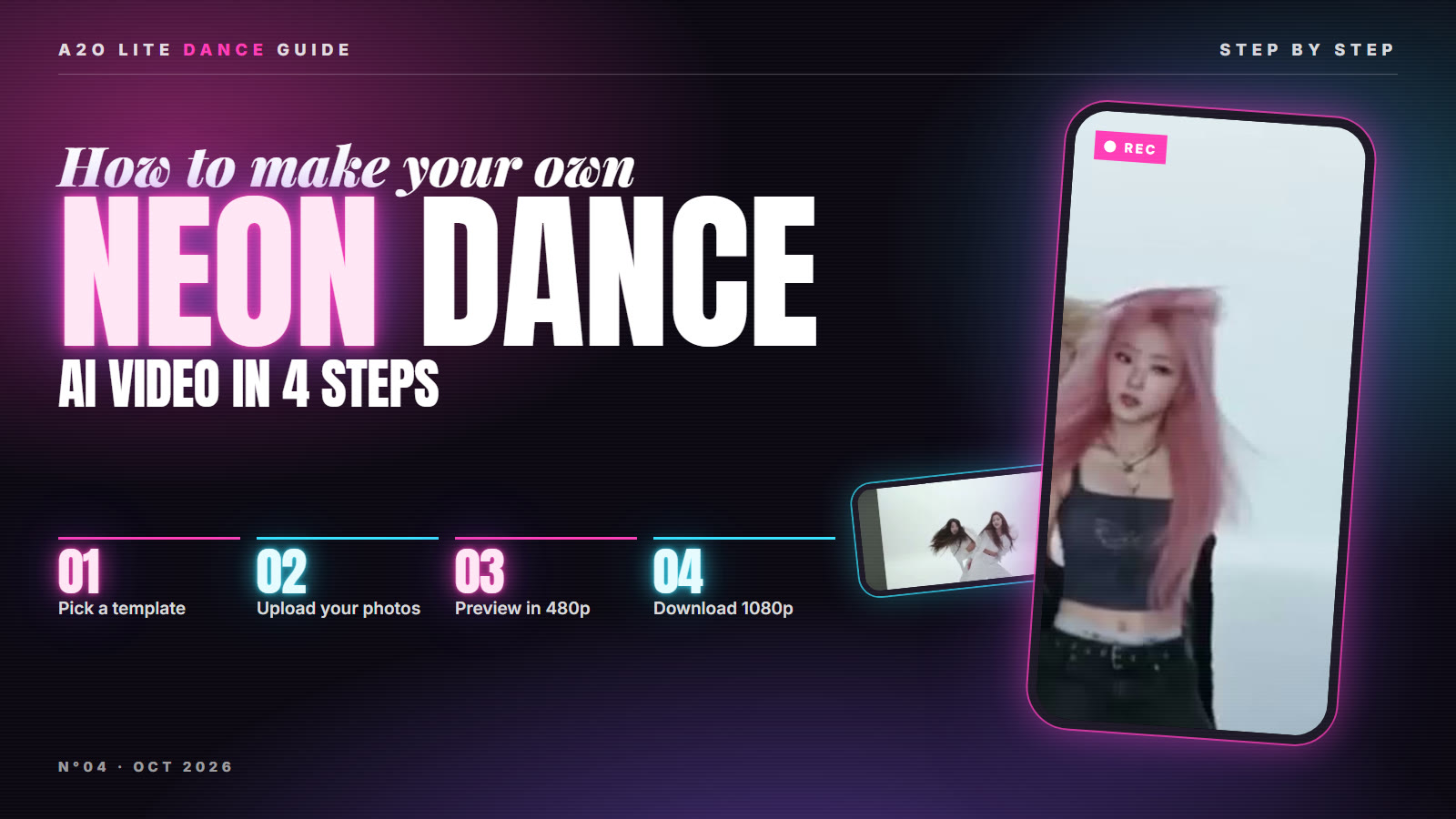
Step 1: Pick a template
Open the generator and choose a routine:
| Template | Photos | Length | Format |
|---|---|---|---|
| K-pop Studio Duo | 2 | 15 s | 16:9 |
| White Studio Duo | 2 | 15 s | 21:9 |
| Solo Groove | 1 | 22 s | 9:16 vertical |
Duo templates map photo 1 to the first dancer and photo 2 to the second, so put the person you want in front first. The vertical Solo Groove is ready for TikTok, Reels and Shorts.
Step 2: Upload your photos
Use one person per photo, facing the camera with the face clearly visible. Full-body or half-body shots in good, even light give the most natural results. Avoid sunglasses, heavy filters and hands over the face.
Do not upload photos of celebrities, of the A2O LITE members, or of anyone under 18. Photos are checked by the video service, and blocked photos stop the generation (your credits are refunded).
Step 3: Render a 480p preview
Click Generate preview. The video service first checks your photos (usually under a minute), then renders the whole routine in 480p, usually in 2–6 minutes. You can close the page: the video appears in My Creations.
The preview costs far fewer credits than the full video, so you only pay for HD when you like the result. See current prices on the pricing page.
Step 4: Download in 1080p
In My Creations, click Render 1080p on a preview you like. The HD version keeps the same moves, camera and look as the preview. Previews can be upgraded for 7 days. When it's ready, hit Download.
Tips for a better NEON dance video
- Match the duo: photos taken in similar light look better side by side.
- Show the outfit: the AI keeps your face and hair, and a half-body photo helps it get your style right.
- Try the vertical solo for short-video platforms.
- Label it as AI when you post, if the platform asks.
Is this the official A2O LITE NEON choreography?
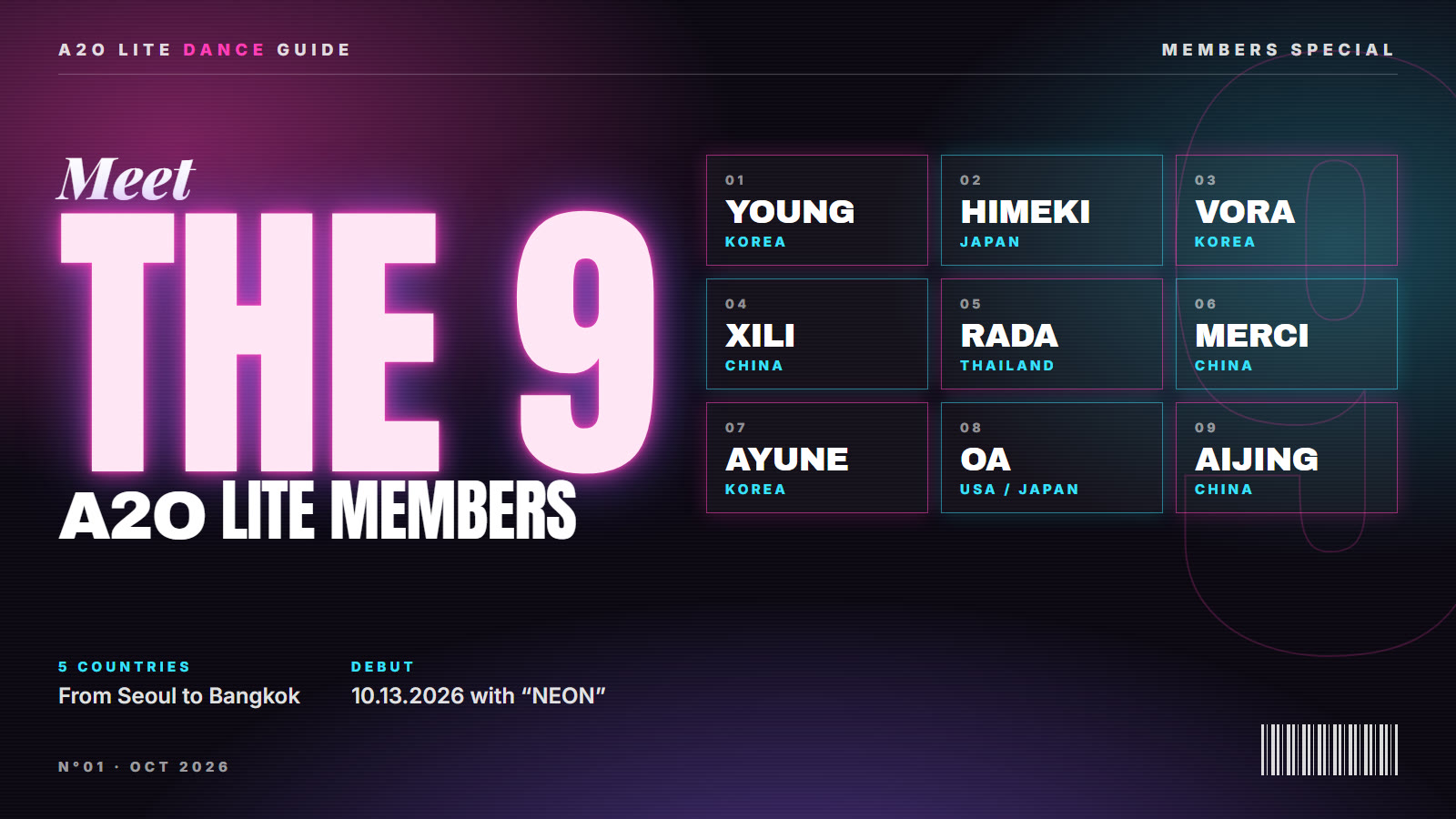
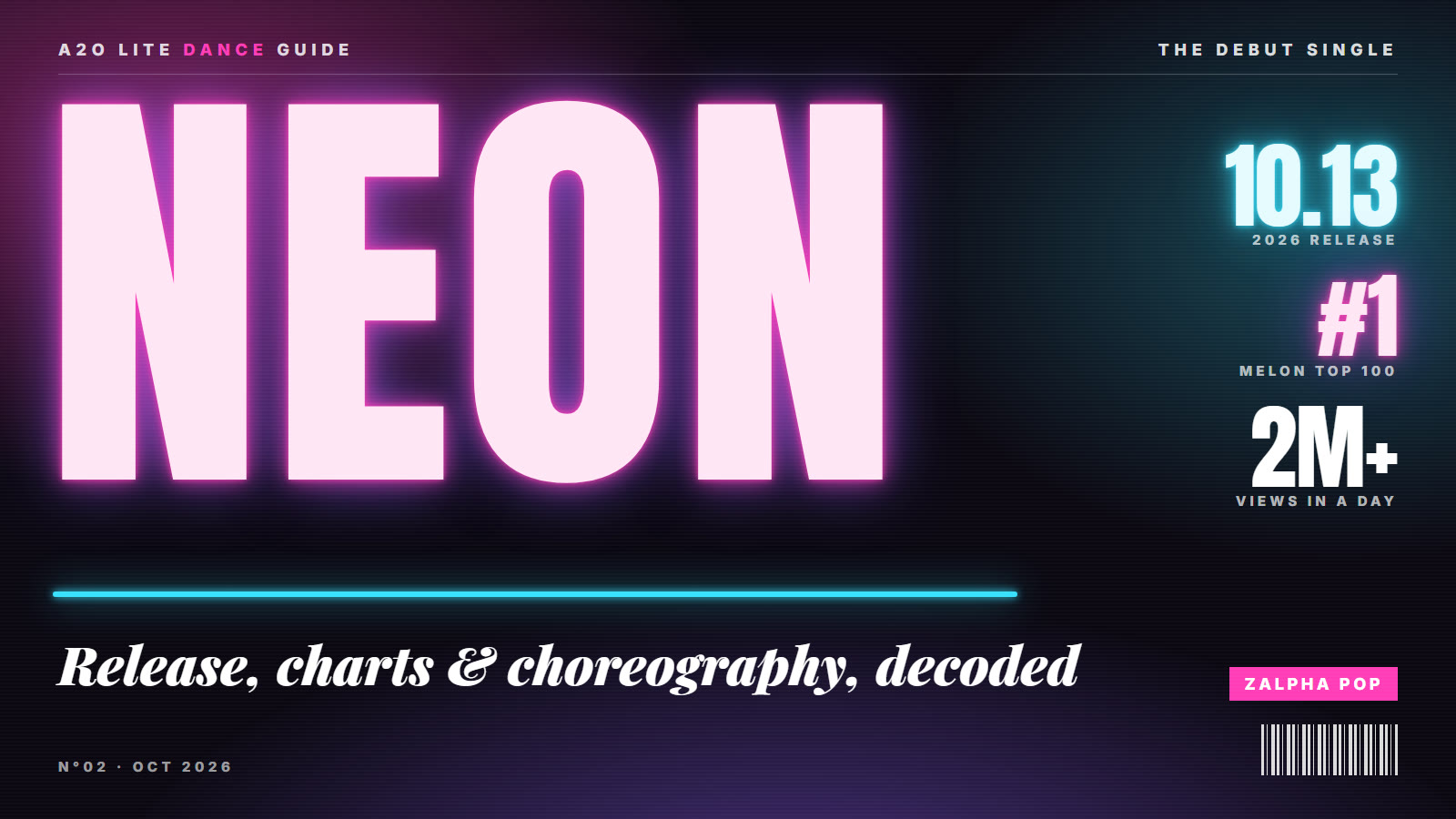
No. Our templates are original NEON-inspired routines, and this is an independent fan-made tool, not affiliated with A2O Entertainment or A2O LITE. Want to know more about the group? Read A2O LITE members and all about "NEON".
FAQ
Is it free?
New accounts get free credits, enough for one 480p preview. After that, you buy one-time credit packs; there is no subscription.
What if the video fails?
Failed or blocked videos are refunded automatically.
Can I use a photo of my pet?
The templates are made for people. Pet photos may not keep the dance natural.
How long can I keep my videos?
Download your videos to keep them. Previews can be upgraded to 1080p for 7 days.